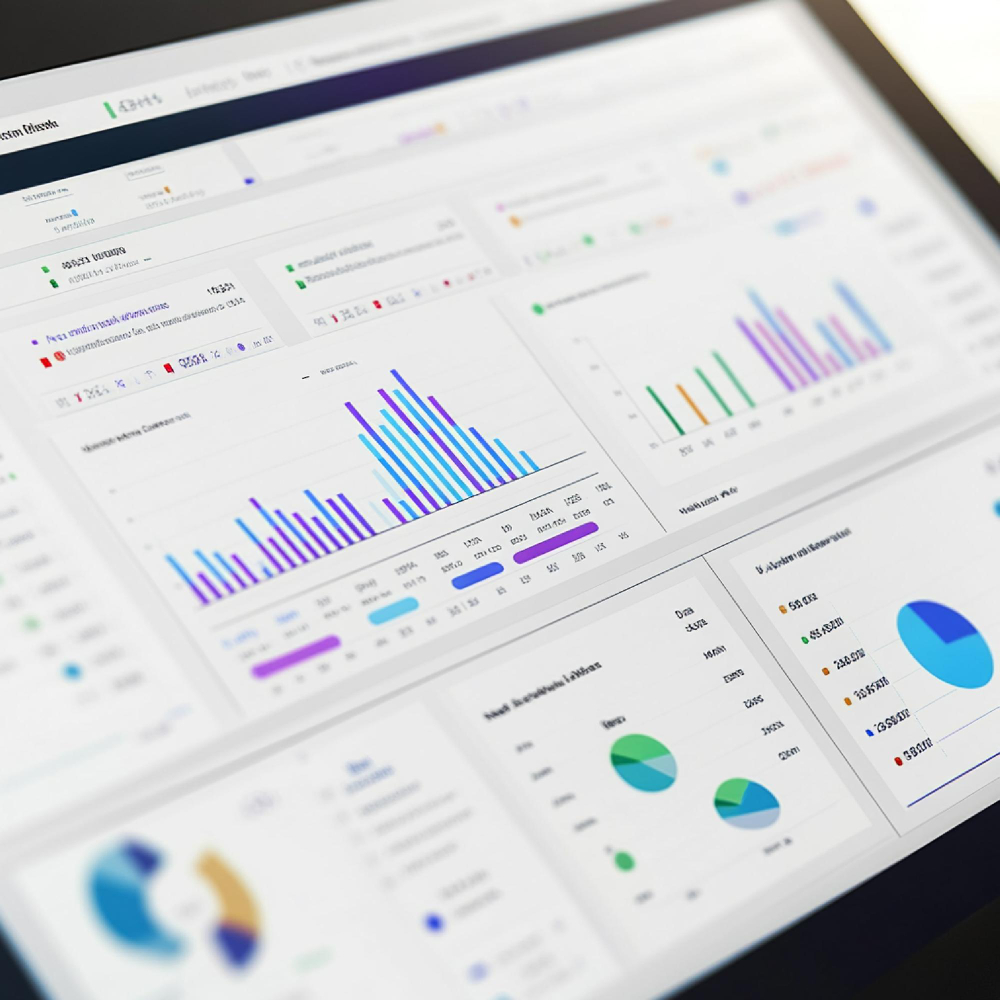
Xkreen turns any TV into a dynamic digital display and connects it to an online platform, so you can upload images, videos, promotions, menus, and messages, and update your screens in real time.
With Xkreen Digital Signage CMS, your compatible Smart TV or a simple streaming device like Amazon Fire TV Stick is all you need to get started, no complicated setup required.
For larger or more demanding deployments, Xkreen includes access to professional digital signage displays, from high-brightness panels to commercial-grade screens built for extended daily use, all fully integrated with the Xkreen CMS.
Xkreen helps retail businesses replace outdated, manual signage workflows with a faster, simpler way to manage screens, menus, promotions, and pricing.
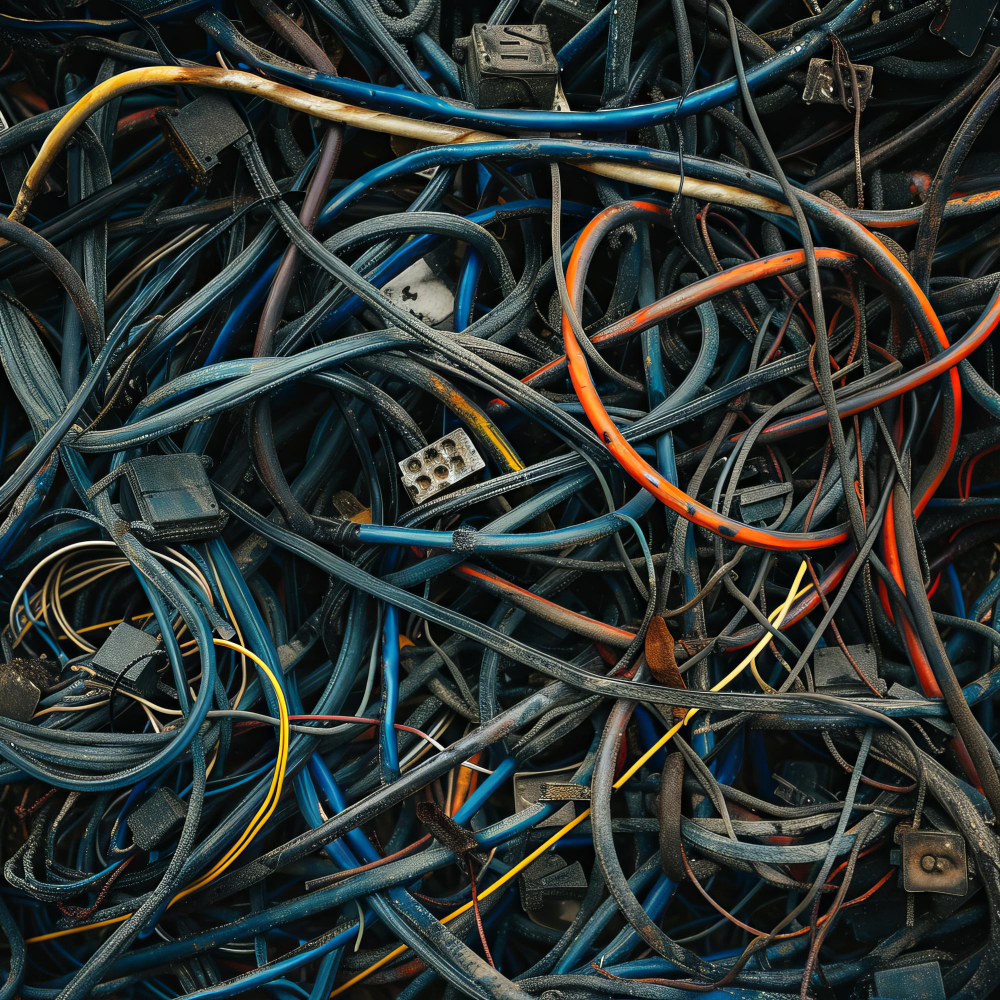
The Challenges Businesses Face
-vs-
How Xkreen Makes It Simple
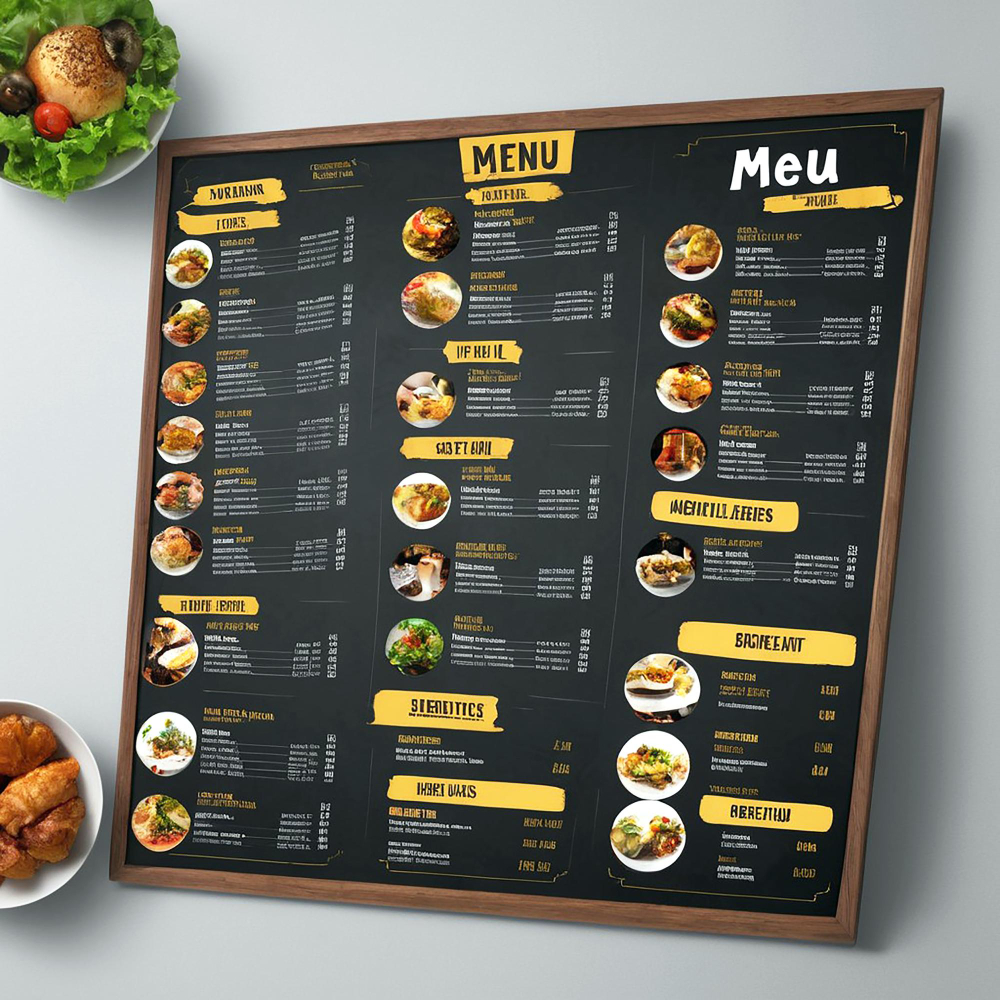
Printed menus are expensive to maintain
Every change means reprinting, extra costs, and wasted time.
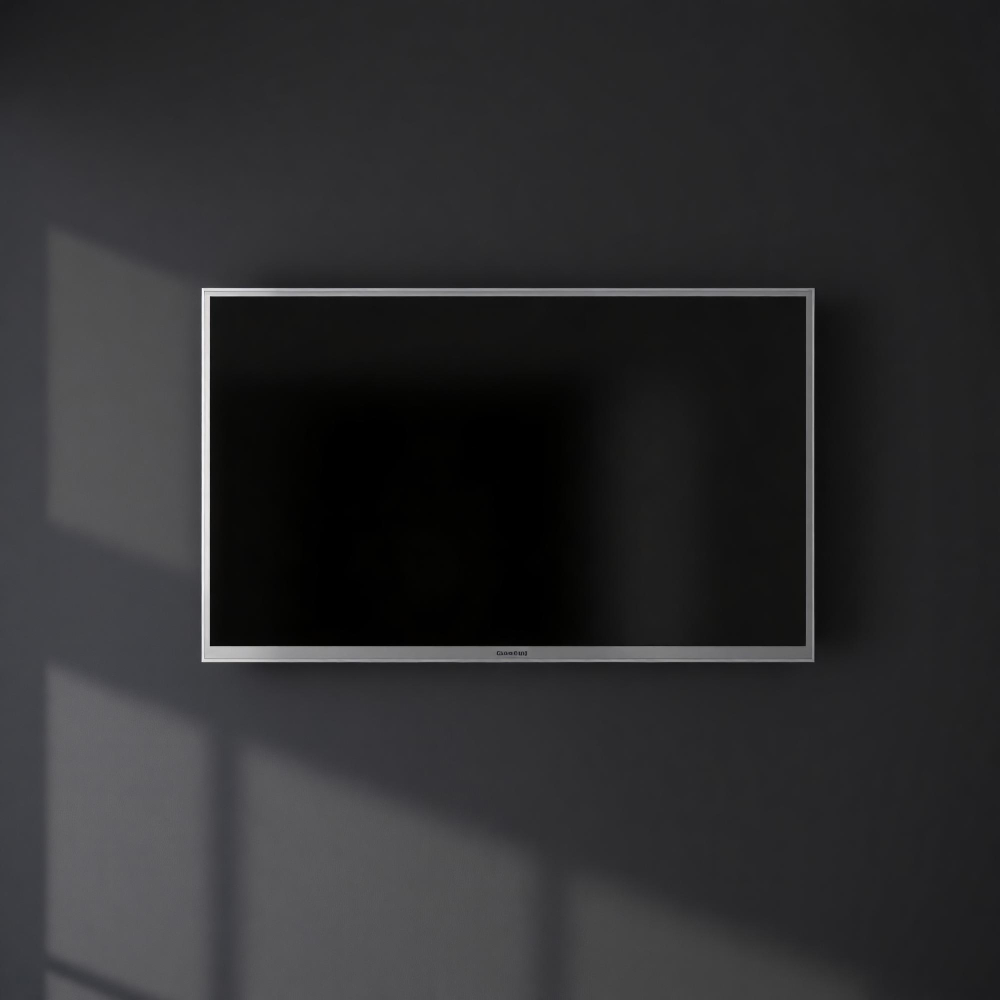
Turn any TV into a dynamic digital display
Use existing screens to get started quickly without a complex setup.
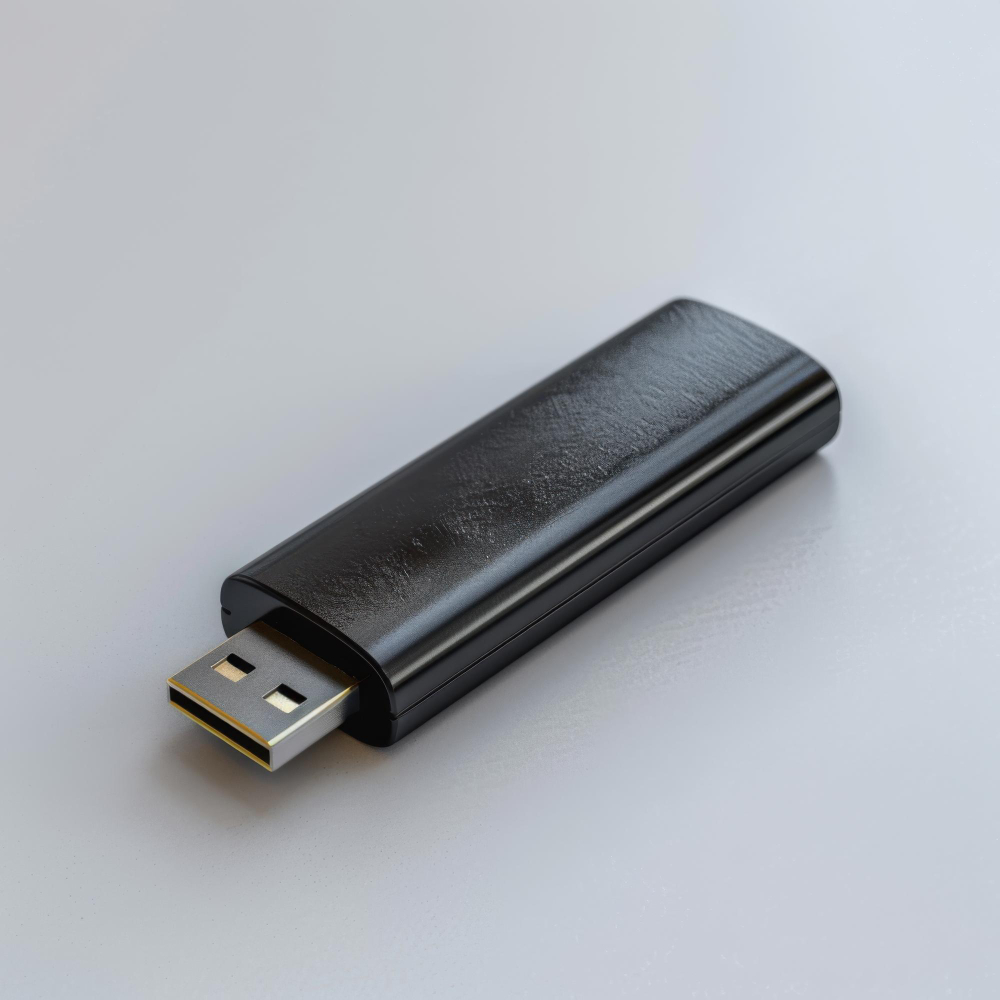
USB updates are slow and inconvenient
Someone has to manually update each screen, which creates delays and mistakes.
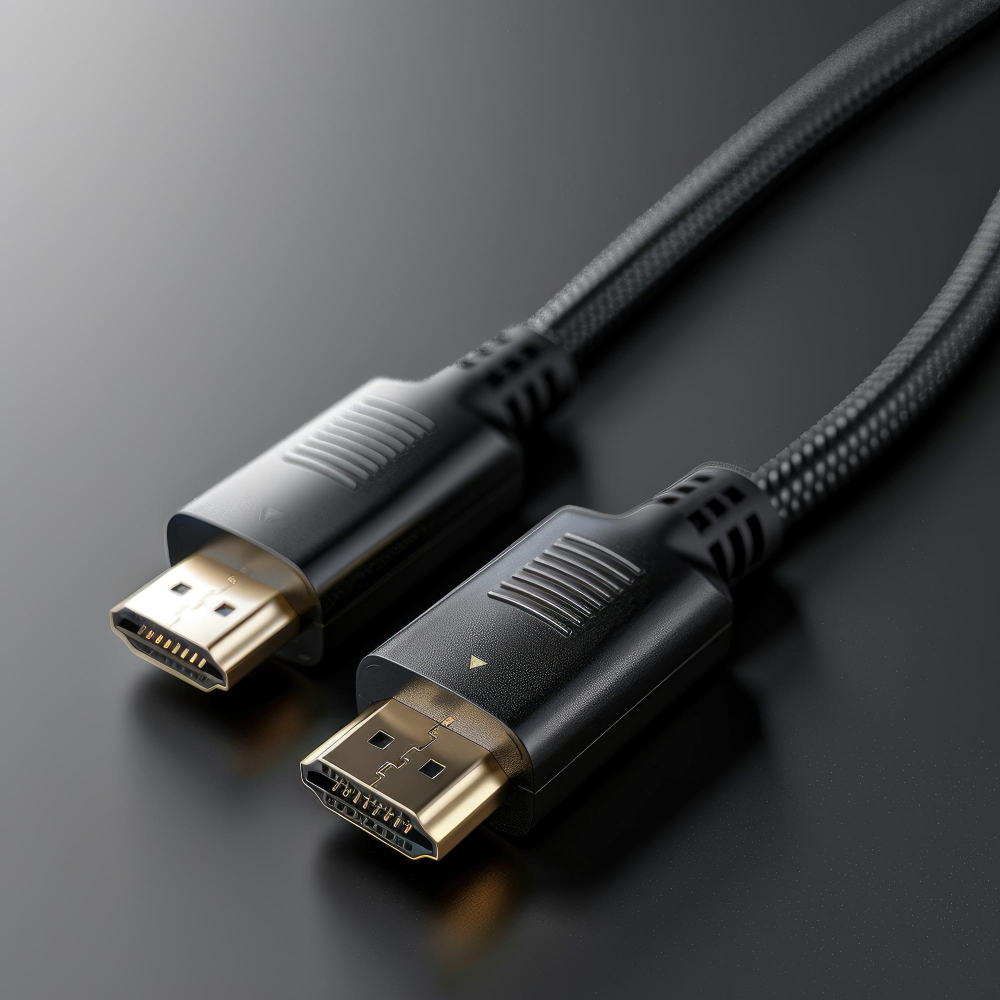
No additional hardware required
Start without buying expensive extra equipment.
Too many systems to manage
Someone has to manually update each screen, which creates delays and mistakes.
Manage everything from your phone or computer
Update menus, promotions, messages, and pricing quickly.
No time to manage screens internally
Business owners and staff are already busy running daily operations.
Optional managed content services
No time to manage it yourself? We can handle content updates for you.
Digital signage feels expensive to start
Many businesses assume they need special hardware or a large budget.
Affordable pricing that scales with your business
Modern digital signage tools without enterprise-level costs.
How it works
Get started in a few simple steps.
How it works
Get started in a few simple steps.
Choose a plan and create your account
Sign up and start uploading your images, videos, messages, promotions, and menus.
Create playlists, screens, and schedules
Organize your content and schedule what plays by time, day, or campaign.
Install the Xkreen App on your TV
Available on the Amazon Appstore and Google Play Store. If you have a compatible Smart TV, you can get started without a dedicated player. If not, you can use a Fire TV device or order an Xkreen Player.
Pair your TV with your Xkreen dashboard
Connect your screen in seconds and manage everything remotely.
Launch and update anytime
Your content starts playing, and you can update it anytime from your phone or computer.
Built for businesses like yours
Xkreen supports multiple industries, from retail and restaurants to healthcare, schools, and corporate environments.
Restaurants
Dynamic menus, promotions, and faster in-store communication.
Retail Stores
Promotions, product highlights, and stronger in-store engagement.
Supermarkets
In-store campaigns, wayfinding support, and real-time promotional messaging.
Delis & Convenience Stores
Update daily menus, combo deals, and in-store promotions instantly.
Real Estate
Capture buyer attention with dynamic property listings, promotions, and real-time updates.
Schools
Announcements, events, safety messages, and campus-wide communication.
Banking & Financial Services
Deliver clear, real-time messaging across branches while promoting financial products and services.
Healthcare
Clear patient communication, updates, and improved visitor experience.
Food Trucks
Update menus, prices, and daily specials instantly without printing or extra hardware.
Simple pricing that grows with you
Start with a free trial, then choose the plan that fits your business, no contracts, no hidden fees.
Upload Images, Videos, Google Slides, YouTube Videos
20 GB Cloud Storage
Unlimited File Limit
Up to 50 Playlists
Advanced Content Schedulling
Manage Locations
Analytics
Remote Device Management
Proof of Play Reporting (Advanced)
Team Workspaces & Roles
Free first layout design (upon request)
Optional add-ons (AI Audience Analytics, etc.) ⓘ
Up to 10 basic content updates included each month ⓘ
Enterprise & Custom Plans
Built for multi-location networks, franchises, and advanced integrations.
Need custom features, API access, white-label options, or large-scale deployment support? Xkreen offers tailored plans designed for growing screen networks and enterprise environments. Let’s build a solution that fits your operation.
Quick answers on setup, supported content, scheduling, reporting, and AI add-ons.
What TVs and devices work with Xkreen?
Xkreen works directly on smart TVs powered by Android TV or Fire TV. For other TVs including non-smart TVs you can connect an Amazon Fire TV Stick and install the Xkreen app. Support for additional platforms, including Samsung Tizen and LG webOS, is planned for the future.
Do I need a dedicated media player or additional hardware?
No. Android TV and Fire TV devices can run the Xkreen app directly, without a dedicated signage player or computer. TVs without a supported operating system can use an affordable Amazon Fire TV Stick.
What happens if my internet connection goes down?
Your screens keep playing. The Xkreen TV app caches previously downloaded content locally, so your current schedule continues even without an internet connection. When the connection returns, the app reconnects and downloads any available updates.
Can I set up Xkreen myself?
Yes. Simply install the Xkreen app on a compatible TV or Fire TV Stick, pair your screen with your account, and manage your content from the Xkreen dashboard. No technical experience is required.
Can I manage multiple screens or locations?
Yes. You can manage multiple screens, locations, playlists and schedules from one centralized dashboard, including displaying different content on different screens.
How much does Xkreen cost?
Xkreen uses a simple per-screen pricing model. Your first screen is always free, and you only pay for additional screens. There are no hidden fees.
Is there a contract or long-term commitment?
No. There are no contracts. You can cancel anytime.
Can I use Xkreen for multiple businesses or clients?
Yes. You can manage multiple locations or clients from a single account using roles and permissions.
Ready to turn any TV into a dynamic display?
Start using Xkreen’s digital signage CMS to manage your screens from anywhere.
1
Xkreen SupportOnline · instant reply
Xkreen
Common topics
Hi! I'm the Xkreen support assistant. I can help with setup, screen pairing, plans, and account questions. What can I help you with? 👋
now
Getting Started
Sign up at app.xkreen.com and start your 14-day free trial — no credit card required. Once inside, upload your content, create a playlist, then install the Xkreen app on your TV from the Amazon Appstore or Google Play Store.
Xkreen works with compatible Smart TVs (Android TV / Google TV), Amazon Fire TV Stick, and the dedicated Xkreen Player™. If you're unsure whether your TV is supported, start a chat and we'll help you check.
Install the Xkreen app on your TV, open it, and a pairing code will appear on screen. In your dashboard go to Screens → Add Screen and enter the code. Your screen will be connected and ready to play content in seconds.
No. Xkreen is built for business owners and teams with no IT background. If you can upload a photo and use a smartphone, you can manage your screens with Xkreen.
Content & Scheduling
You can display images (JPG, PNG), videos (MP4), promotional slides, digital menus, announcements, and pricing boards. Content is organized into playlists and you can mix media types freely.
Yes. Xkreen's Advanced Scheduling lets you set content to play at specific times, days of the week, or during a campaign window. Ideal for lunch menus, happy-hour promotions, and seasonal campaigns.
Yes. Multi-Location Control is built in. You can group screens by location and push different content to each site — all from a single dashboard, whether you're on your phone or computer.
Plans & Billing
Xkreen offers affordable plans for businesses of any size — from single-screen setups to large multi-location networks. Visit our Pricing page for current plan details. All plans include a 14-day free trial, no credit card required.
Go to Settings → Billing → Cancel Plan. Your access continues until the end of the current billing period. We don't charge cancellation fees.
We review refund requests on a case-by-case basis. Reach out to our support team at support@xkreen.com and we'll do our best to help.
Xkreen Player™
No dedicated player is required if you have a compatible Smart TV or a Fire TV Stick. The Xkreen Player™ is an optional upgrade for businesses that need more processing power, reliability, or advanced features.
No results found. Ask our AI assistant instead?
Submit a support ticket
Our team replies within 4 business hours. For urgent issues, use Live Chat.
Ticket submitted!
We received your request and will reply to your email as soon as possible.